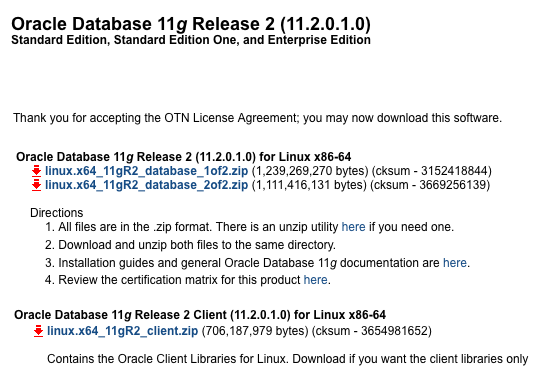
gentoo 安裝 Oracle client 方法 step by step / remote X window display

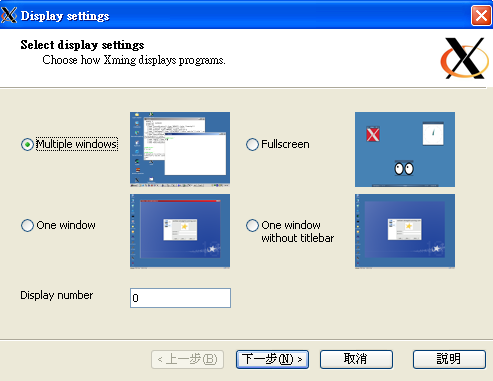
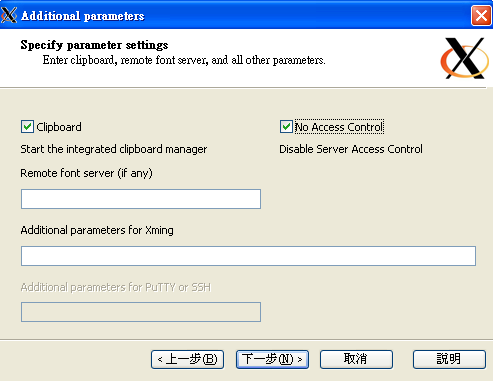
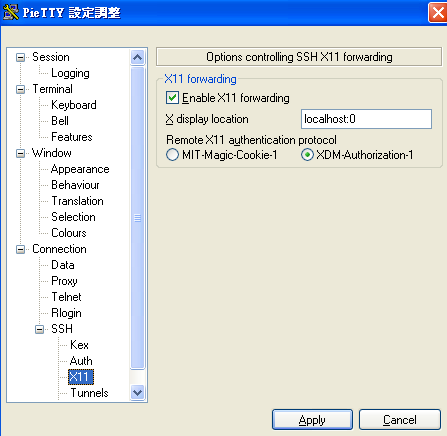
首先要先搞定 X window , 若不想裝 X window 可以用 xming 把畫面投到 PC 端來 , 如我目前的狀況是用 putty + xming 如圖設定
feb99306dfaa54bb05f239f7165dfa82

db7449bfa59f6eb6c6c2d0d66bc82628

63745e9abc1acee38a220141a2d38615

ssh 進遠端 server 下 export DISPLAY=172.30.0.216:0.0 把 X display 到 172.30.0.216:0.0
可以下 xeyes & 測試一下 , ( xeyes 也需要另裝)

gentoo 缺一些 X 的 lib , 要 emerge -av libXp libXtst

Oracle client 會 check 經過認可的 OS , 把這個 check 取消
vi install/oraparam.ini

[Certified Versions]
# 把下面那行註解
# Linux=gentoo,redhat-3,SuSE-9,redhat-4,UnitedLinux-1.0,asianux-1,asianux-2

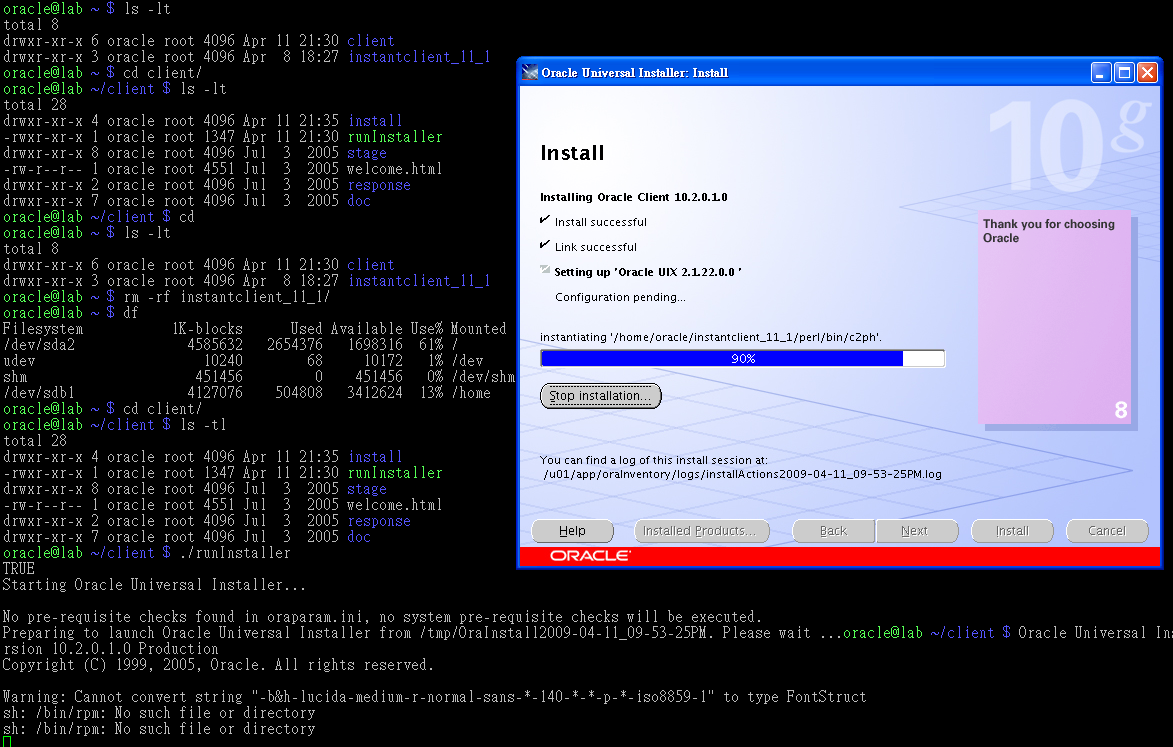
開始安裝
./runInstaller
e4b1f883f9542ce30b5e8140718f0d5d

Comments are closed.

Related URL:
  1. Protected: emerge 不見的救法
  2. gentoo emerge command
  3. [gentoo] 排除舊的 lib 相容問題
  4. [monster] monster.tw 記錄 / memo / ubuntu / 裝 圖形介面 / GUI / gnome desktop / ip address / setting
  5. Protected: 兩個版本的 Linux ( CENTOS vs GENTOO ) 作 mysql + senna small compare
  6. gentoo linux ifconfig
  7. 查主機溫度
  8. 裝新的 www.monster.com.tw 過程記錄
  9. 在 gentoo 裝 oracle sqlplus package
  10. gentoo NFS