iOS
[iOS] 用 UIImagePickerController 從 相片庫挑選一張照片來顯示片段碼 , UIImagePickerControllerSourceTypeSavedPhotosAlbum , didFinishPickingMediaWithInfo ,
.h檔: 要加
@interface ViewController : UIViewController
—
.m 檔:
.
.
.


    UIImagePickerController *picker = [[UIImagePickerController alloc] init];
    picker.delegate = self;
    picker.sourceType = UIImagePickerControllerSourceTypeSavedPhotosAlbum;
    picker.allowsEditing = YES;

    [self presentViewController:picker animated:YES completion:nil];


    resultBox.text = @"Hello World!";
}

- (void)imagePickerController:(UIImagePickerController *)picker didFinishPickingMediaWithInfo:(NSDictionary *)info {

    [self dismissViewControllerAnimated:YES completion:nil];

    NSLog(@"\nin didFinishPickingMediaWithInfo\n");
    imgBox.image = [info objectForKey:UIImagePickerControllerOriginalImage];

}
[iOS] xcode iPhone Simulator 照片存放的位置
~/Library/Application Support/iPhone Simulator
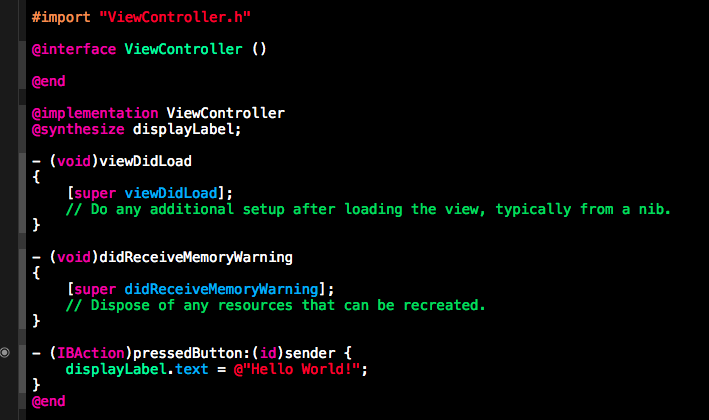
[iOS] iOS tour videos , iOS 開發教學影片
…
Building an iPhone App Combining Tab Bar, Navigation and Tab
http://www.youtube.com/watch?v=LBnPfAtswgw
這個影片是比較舊的 xcode (3.5 , 4) , 範例從 空的 App delegate 開始 , 用 coding 方式加進 Tab Bar controller
Objective-C : Classes & methods
[ Become an iOS Developer ] What You Will Learn – series
http://www.youtube.com/watch?v=KNYOmXf_jJc&list=PLg7_sxrfkvipsXzYe1UhQI4Qe6Yh8z_qD&feature=share
UIViewController : Understanding View Loading / view lifecycle
Create views programmatically
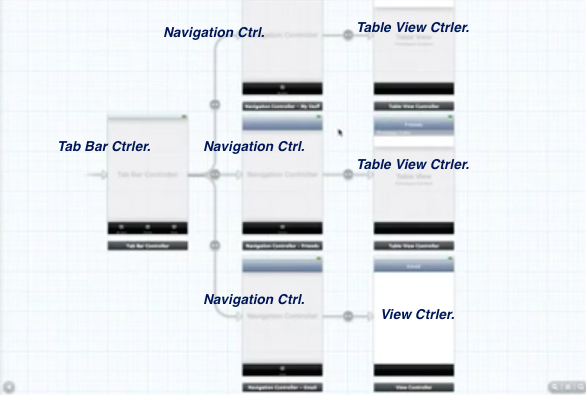
Tab Bar Navigation Controllers with Storyboards
Video : https://vimeo.com/53563148
iOS Development Tutorial – Series
….. Using a Tab Bar Controller with two view
http://www.youtube.com/watch?v=B3_8rAbxoiY&list=PL4E61E23CD4B49974&feature=c4-overview-vl
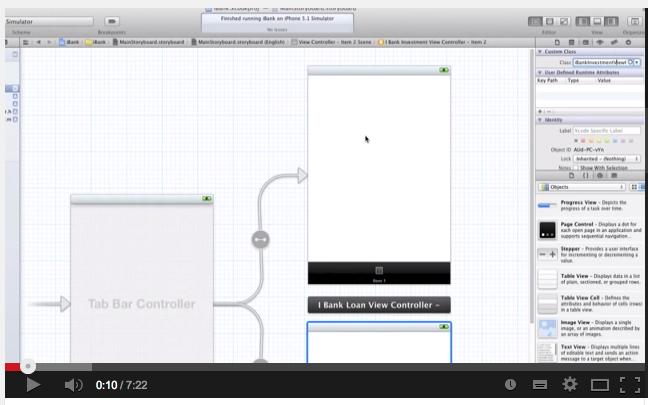
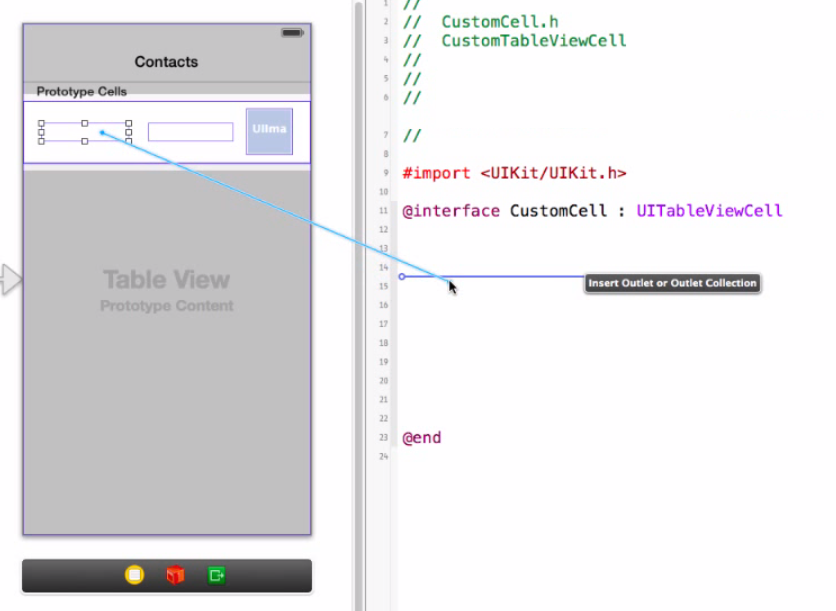
[iOS] 程式片段 : Code Snippets
文字框輸入完 keyboard 收起來
// --- define :
@property (nonatomic, retain) IBOutlet UITextField *txtInput;

// --- code :

- (BOOL)textFieldShouldReturn:(UITextField *)theTextFied {

	if(txtInput == theTextFied)
	{
		[txtInput resignFirstResponder];
	}

	//Update the label.
	lblMessage.text = txtInput.text;

	return YES;
}
ex: http://furnacedigital.blogspot.tw/2012/01/blog-post_20.html#more
陣列 Array 用法
    NSArray *array =[ [NSArray alloc] initWithObjects:
		@"銷售總覽",
		@"訂單管理",
		@"上架商品",
		@"廣告中心",
		nil
	];
    self.listdata = array;
    [array release];
NSArray :
NSArray *myArray;
NSDate *aDate = [NSDate distantFuture];
NSValue *aValue = [NSNumber numberWithInt:5];
NSString *aString = @"a string";

myArray = [NSArray arrayWithObjects:aDate, aValue, aString, nil];
[iOS] 把某個 URL 的 image 存進相簿 PhotosAlbum : NSURL , UIImageWriteToSavedPhotosAlbum
    // ---
	NSURL *image_url = [NSURL URLWithString:@"http://dn.monster.tw/pub/globe.png" ];
	UIImage *image = [UIImage imageWithData:[NSData dataWithContentsOfURL:image_url]];
	myImageView.image = image;

	UIImageWriteToSavedPhotosAlbum(image, [self saveSuccess] , nil, nil);
    // ---