1點出發, 有圖有真相, 請看 ….不過因手機相機太爛了 (Nokia 5310) , 色溫總是測錯 , 所以有些相片我改用黑白的
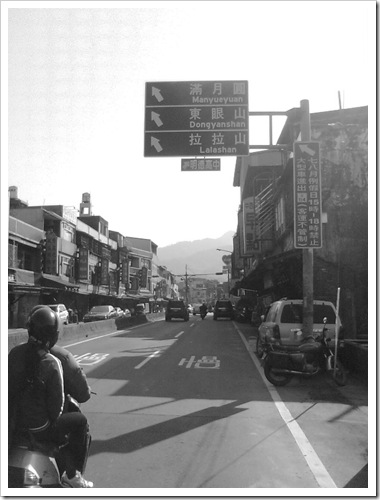
這個路口才是台7乙, 從板橋過來前面會經過3個類似的路口, 很容易搞混了.
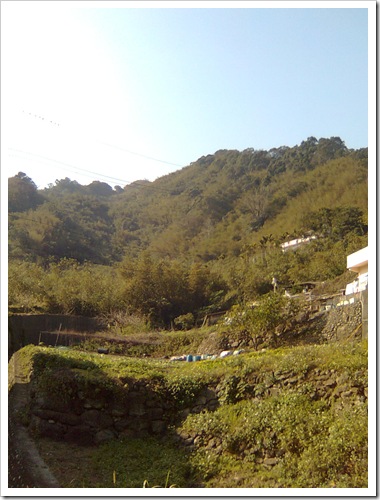
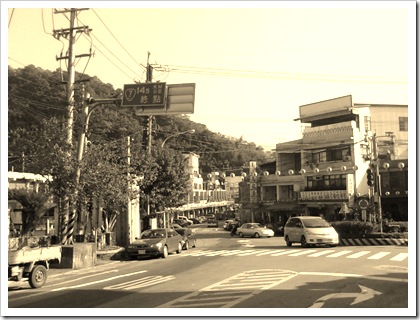
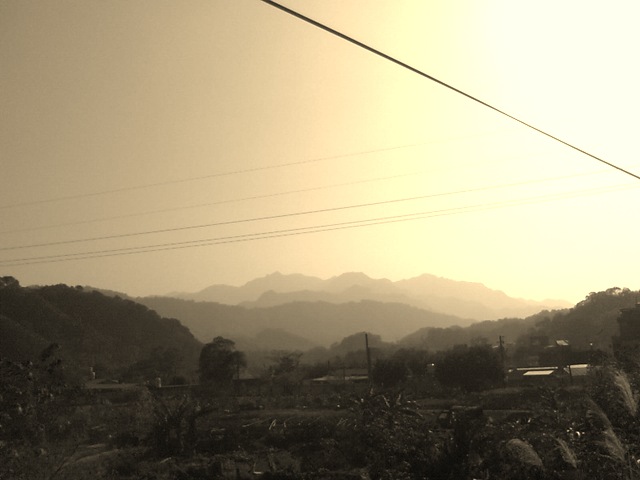
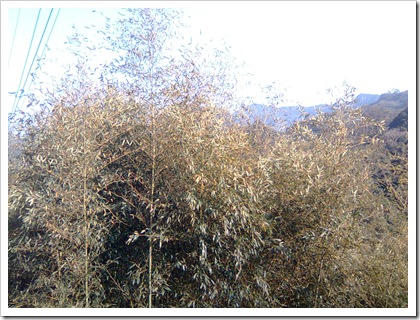
1點出發, 有圖有真相, 請看 ….不過因手機相機太爛了 (Nokia 5310) , 色溫總是測錯 , 所以有些相片我改用黑白的
這個路口才是台7乙, 從板橋過來前面會經過3個類似的路口, 很容易搞混了.
這個檔 /etc/postfix/main.cf 加一行
relayhost = [172.25.0.177]
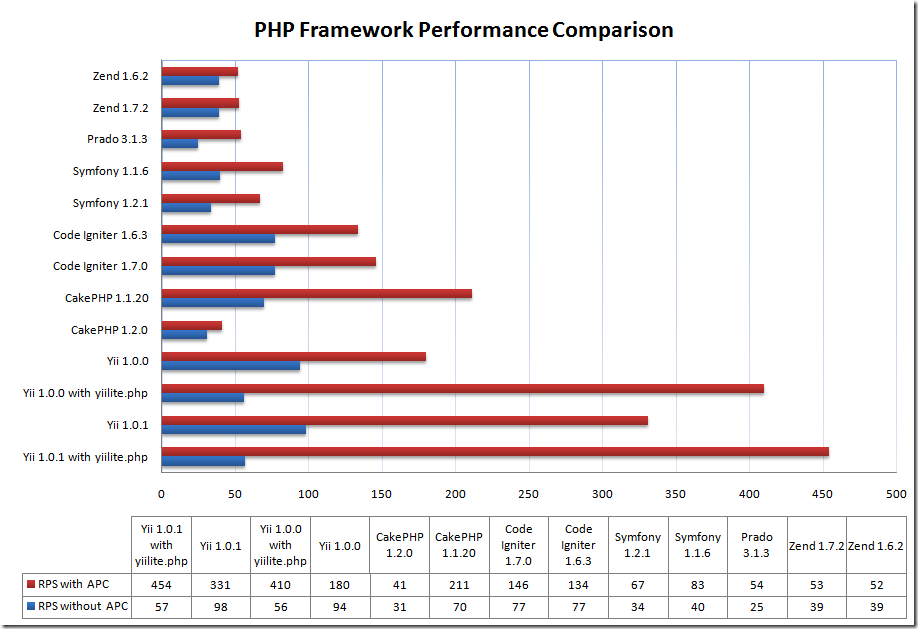
他有作 performance compare – 據說是最快的 PHP framework
看他的 features 寫的 , 一些 “先進” 的 framework 的功能他都具備
不過 那條紅色的線 可以不用看 , 看藍色那條是比 codeigniter 快 1/3 , 有空要來玩一下
http://www.yiiframework.com/performance
include("include/feedcreator.class.php");

$rss = new UniversalFeedCreator();
$rss->useCached();
$rss->title = "PHP news";
$rss->description = "daily news from the PHP scripting world";
$rss->link = "http://www.dailyphp.net/news";
$rss->syndicationURL = "http://www.dailyphp.net/".$PHP_SELF;

$image = new FeedImage();
$image->title = "dailyphp.net logo";
$image->url = "http://www.dailyphp.net/images/logo.gif";
$image->link = "http://www.dailyphp.net";
$image->description = "Feed provided by dailyphp.net. Click to visit.";
$rss->image = $image;

// get your news items from somewhere, e.g. your database:
mysql_select_db($dbHost, $dbUser, $dbPass);
$res = mysql_query("SELECT * FROM news ORDER BY newsdate DESC");
while ($data = mysql_fetch_object($res)) {
    $item = new FeedItem();
    $item->title = $data->title;
    $item->link = $data->url;
    $item->description = $data->short;
    $item->date = $data->newsdate;
    $item->source = "http://www.dailyphp.net";
    $item->author = "John Doe";

    $rss->addItem($item);
}

$rss->saveFeed("RSS1.0", "news/feed.xml");